🎉 Your first traffic plan is free, basic event maps are free forever! 🎉
Traffic ChartTraffic Chart

TRAFFIC PLAN SOFTWARE

Make your mandatory traffic plan in minutes

The permit-ready document the council wants to see, before they will sign off on your closure. Whether you run events, road-works crews or a local authority, every traffic plan lives in the same workspace. Save up to 90% in time and cost on every plan.

Start your traffic plan, free

By starting you agree to our terms and privacy policy.

Protected by reCAPTCHA. Google Privacy and Terms.

Trusted across Europe for traffic plans:

buko infrasupportClient logomih fiber logo RGBpinkpopprofessional lawn & landscape management logo  2solutions30logotransparent
4.9
Google Reviews
4.5
Capterra Reviews

Trusted by 5,000+ event organisers, infra professionals and municipalities submitting traffic plans every week.

“I've been using Traffic Chart for a while now and loved it from day one. It makes my job in event production a lot easier.”
Emma Brooks, Event Production

01 THE SOLUTION

Your comprehensive solution for traffic plan creation

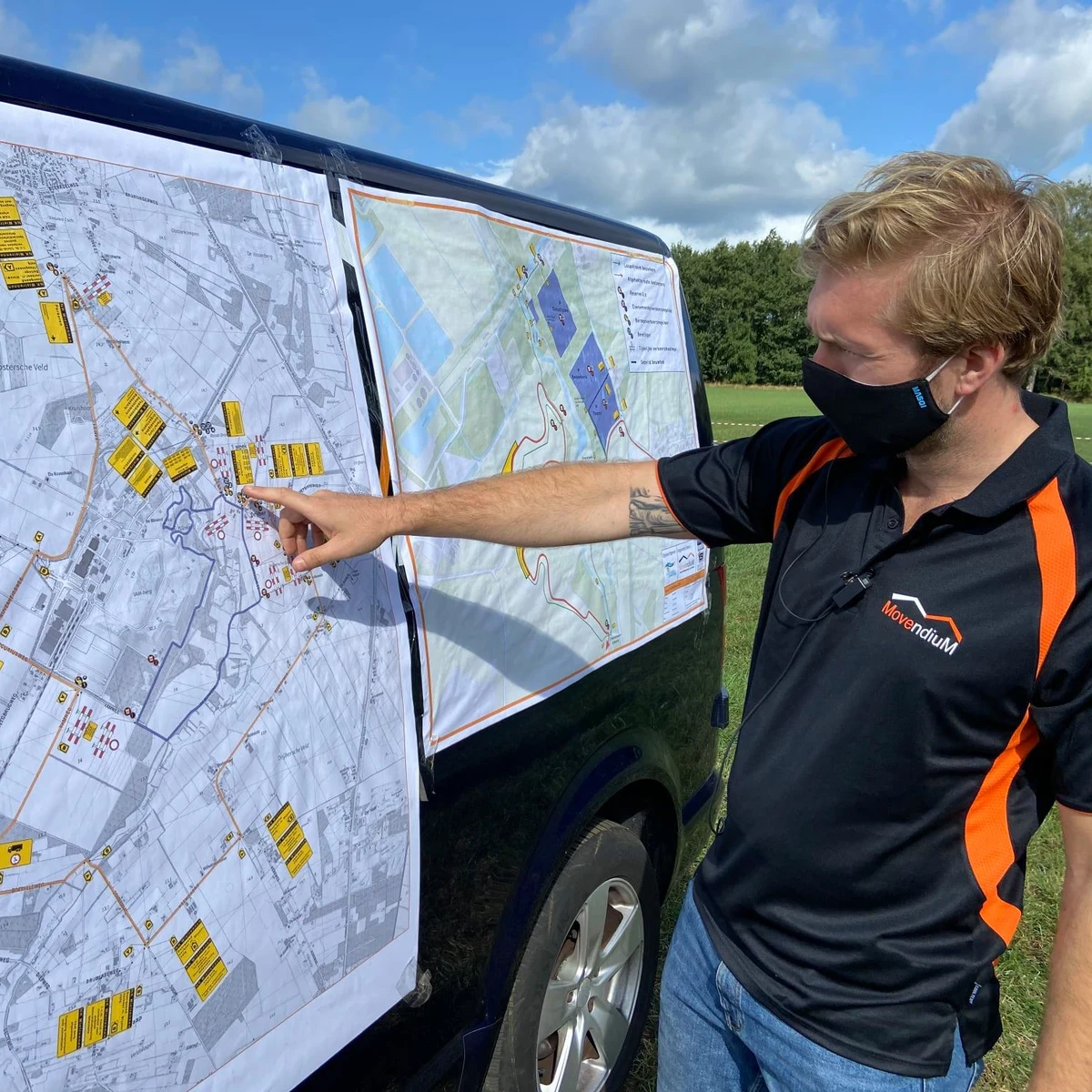
A traffic plan is the document the council reviews before they issue your permit. It shows the lane closure, the detour, the regulation-correct signage along the diverted route, the placement of barriers and traffic controllers, and the emergency-vehicle access lane. Without an approved plan, the closure does not happen.

With Traffic Chart you draw the closure on a scaled site map, drop in the regulation-correct road signs from the country's catalogue, place the barriers and traffic controllers, and export a regulator-ready PDF in one click. The same plan is your safety document, the council submission and the on-site reference for the crew on the day.

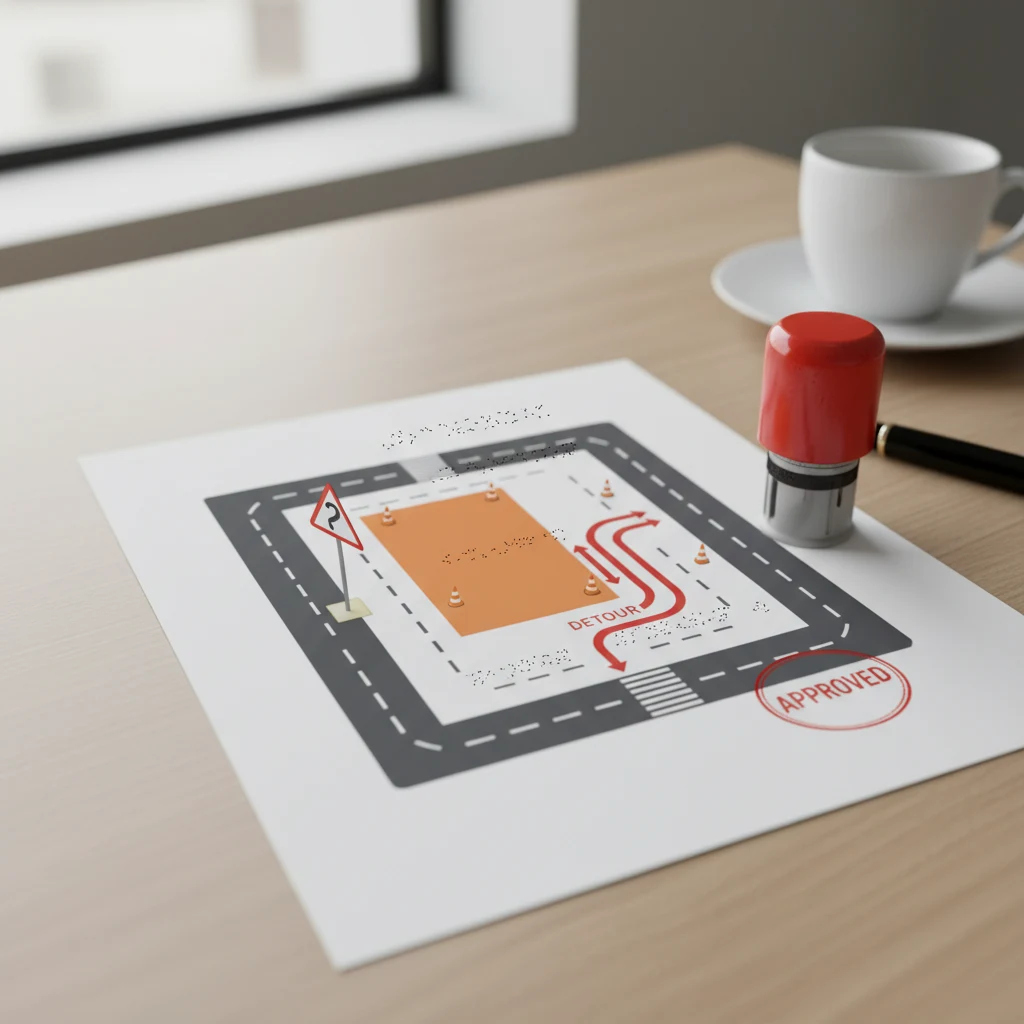
UK permit-ready traffic plan PDF on a desk with a stamp and pen, ready for council submission

Watch our 45 second traffic plan demo

See an event map and a traffic plan come together in under a minute. Clip from 2025; 10,000+ users today.

Drag-and-drop traffic plan editor with 600+ road signs and live preview

02 USER-FRIENDLY

User-friendly traffic plan software

The traffic-plan module is intuitive and powerful at the same time. Whether you are putting together a multi-stage motorway closure or sketching the access plan for a 200-person community event, the canvas is fast to learn and quick to use in production.

With over 600 built-in road signs, barriers, beacons and traffic-controller icons you place every element of the plan in minutes. Drag-and-drop, snap-to-grid, real-time preview, instant PDF export. No CAD background needed.

Cloud-based workspace means you can pick up the plan on a tablet next to the crew, tick off signs as they are placed, and share live edits with the safety officer or the council reviewer without sending a single PDF by email.


Who submits traffic plans through Traffic Chart?

Event organisers, infrastructure contractors and municipalities all submit their traffic plans from the same workspace.

For event organisers

For event organisers

Drawing your venue layout? Filing a road-closure plan for the access road? Build both in the same workspace, with drag-and-drop infrastructure for the event map, smart zones with automatic area, walking and emergency routes, and the full road-sign library when you need it.

Read more
For contractors and infra professionals

For contractors and infra professionals

Closing one or two roads (partially) for works? Mandatory traffic plans in minutes. Simple enough for an intern, accurate enough for the council. Running multiple projects a month? The time saved pays back on your first plan.

Read more
For municipalities

For municipalities

Give residents and small-event organisers a friendly tool to draft event maps and traffic plans. Centralise permit intake, cut the email back-and-forth, and review up to 90% faster from a single dashboard.

Read more

Features

  • Drag-and-drop road signs and traffic-control infrastructure
  • Traffic routes, detours and emergency-access lanes on a scaled map
  • Sign placement and replacement from the full country-specific library
  • Smart zones with automatic area and distance calculations
  • Toolbox of all common signs, barriers, beacons and traffic controllers
  • Permit-ready PDF export, examples and a help-center reference

Benefits

  • Efficient, fully digital workflow
  • 90% faster and cheaper than CAD-based alternatives
  • Flexible: from a single-lane residential closure to a 5 km motorway diversion
  • User-friendly enough for an intern, accurate enough for the regulator
  • Consistent output across every plan you submit
  • Free access to in-depth guides and a full help center
Traffic Chart replaces Word, PDF, Paint, Photoshop, CorelDraw and CAD, all in one tool for traffic plansREPLACESWWORDPDFPDFPPAINTPsPHOTOSHOPCdCORELDRAWCADCADAll-in-one with Traffic Chart
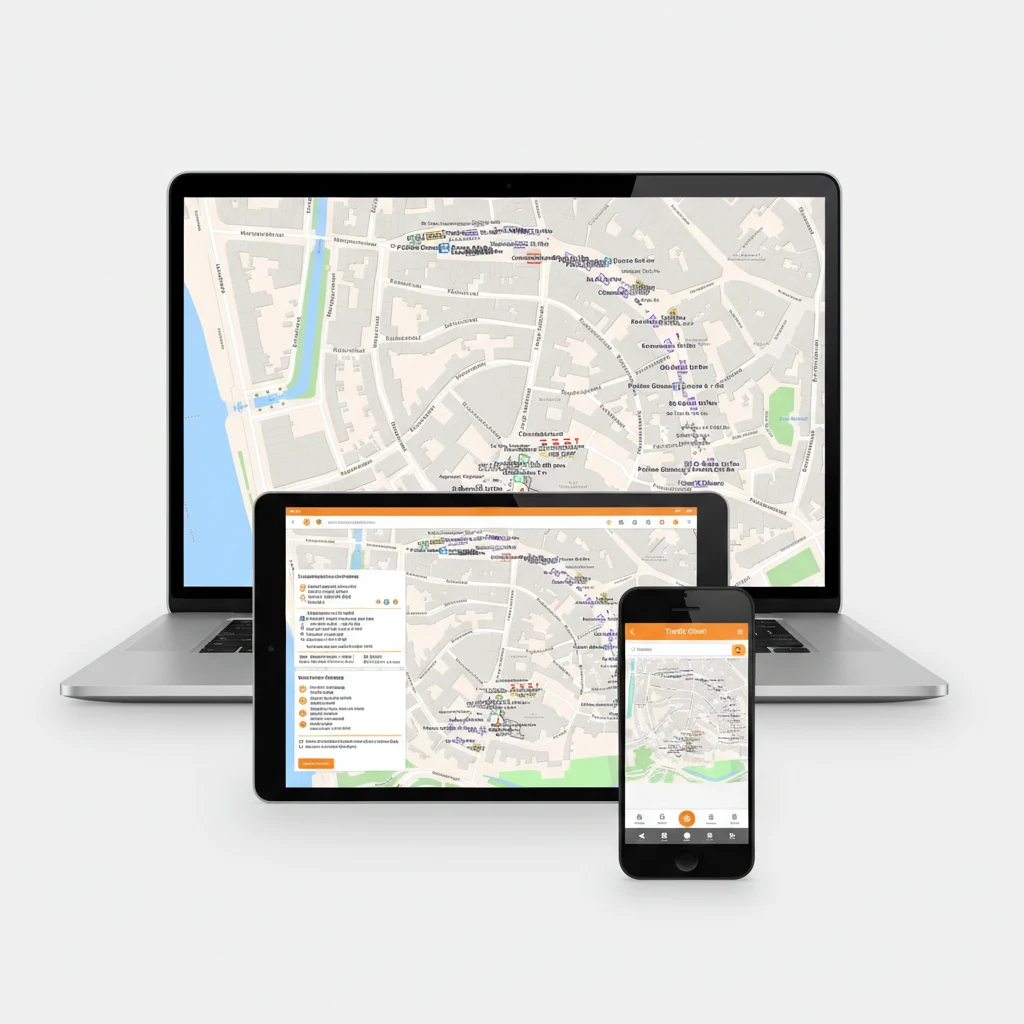
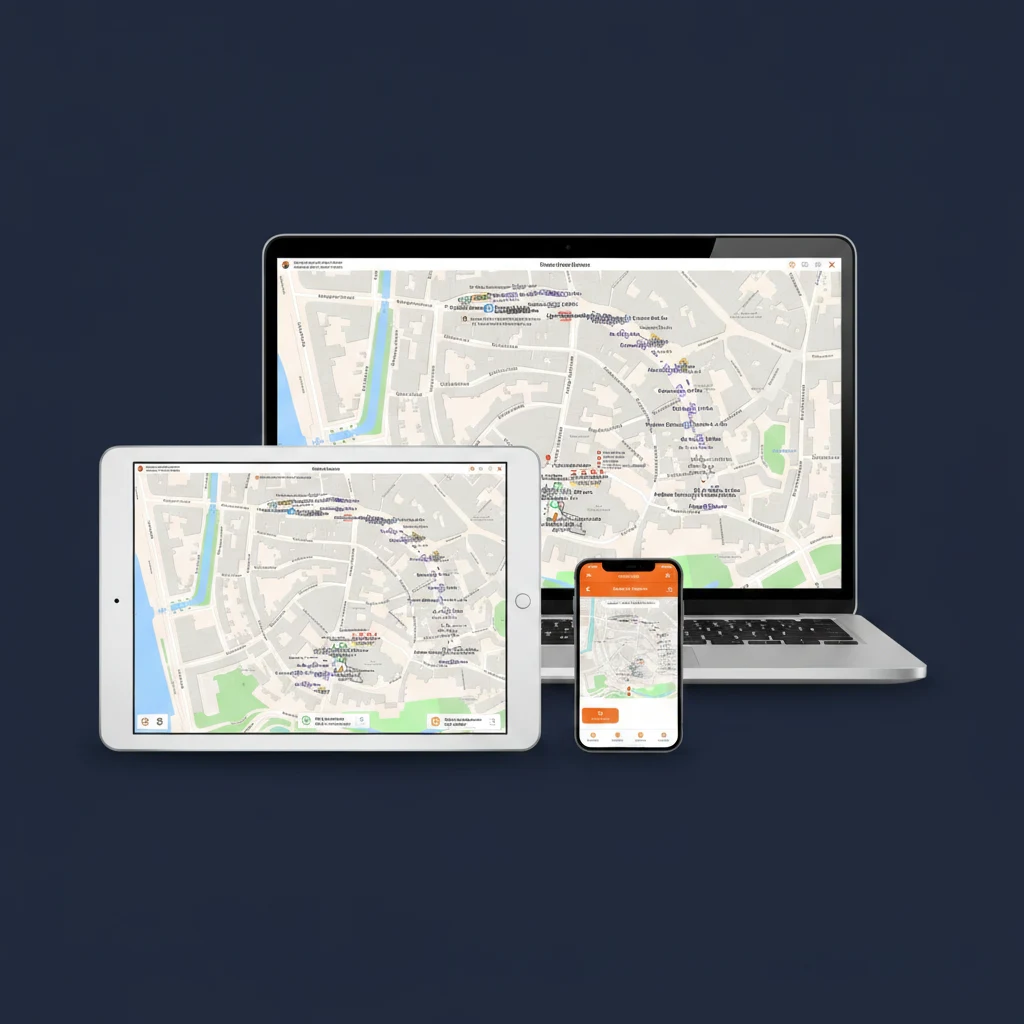
Traffic Chart traffic-plan software running on a laptop, tablet and smartphone, with the Bokbierdag event-site map visible on every screen

03 VERSATILE

Traffic plan software for everyone

Traffic Chart's traffic-plan software is not only for road-works contractors. It is equally at home with event organisers planning the access route into a festival, with infrastructure teams scheduling temporary closures on the public network, and with local authorities reviewing the plans residents submit.

With one easy-to-use interface, anyone on the team produces a comprehensive traffic plan in minutes. The same plan is the safety document, the council submission, the crew's on-site reference, and the post-job report when the closure lifts.

Drag to compare

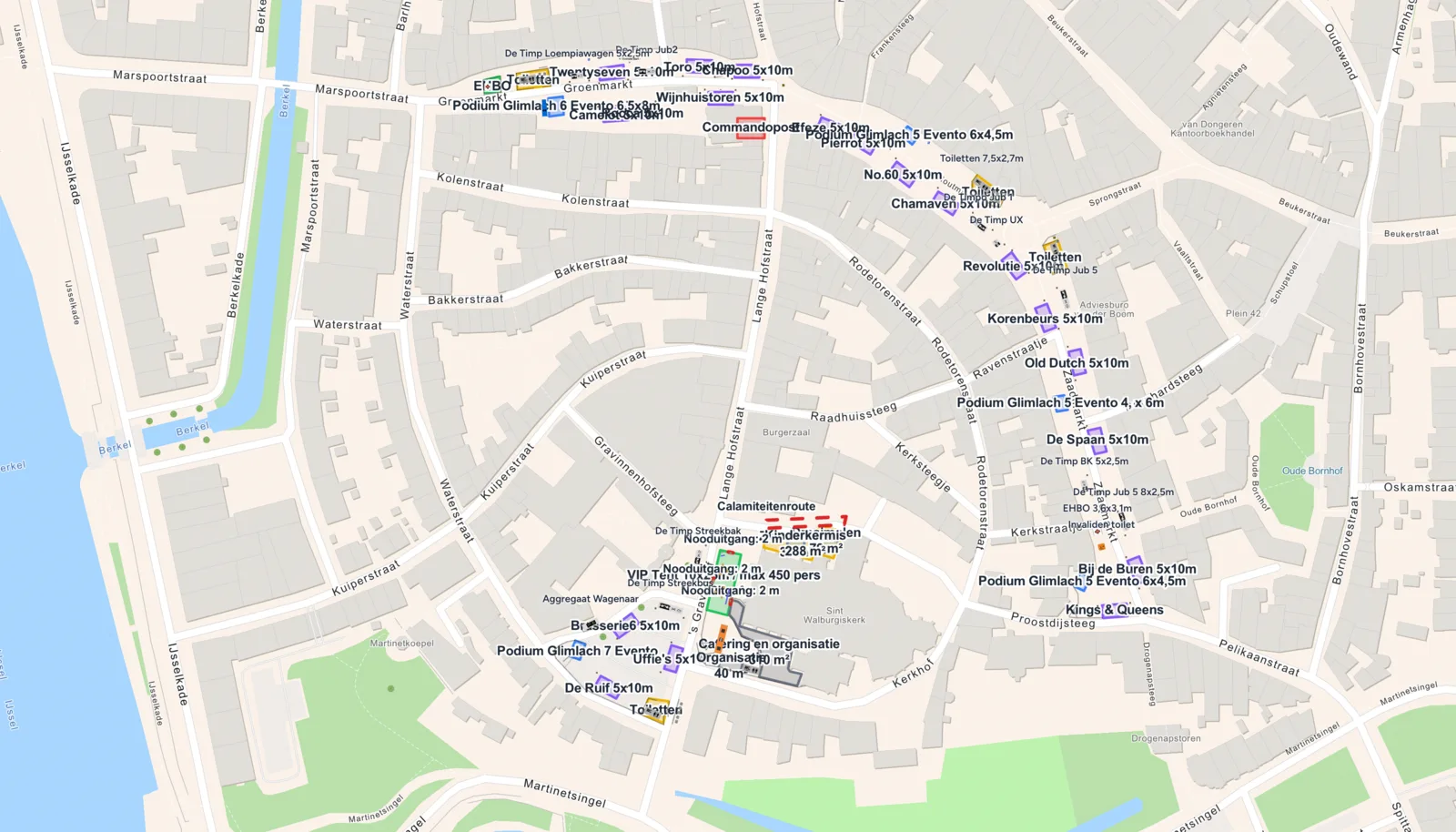
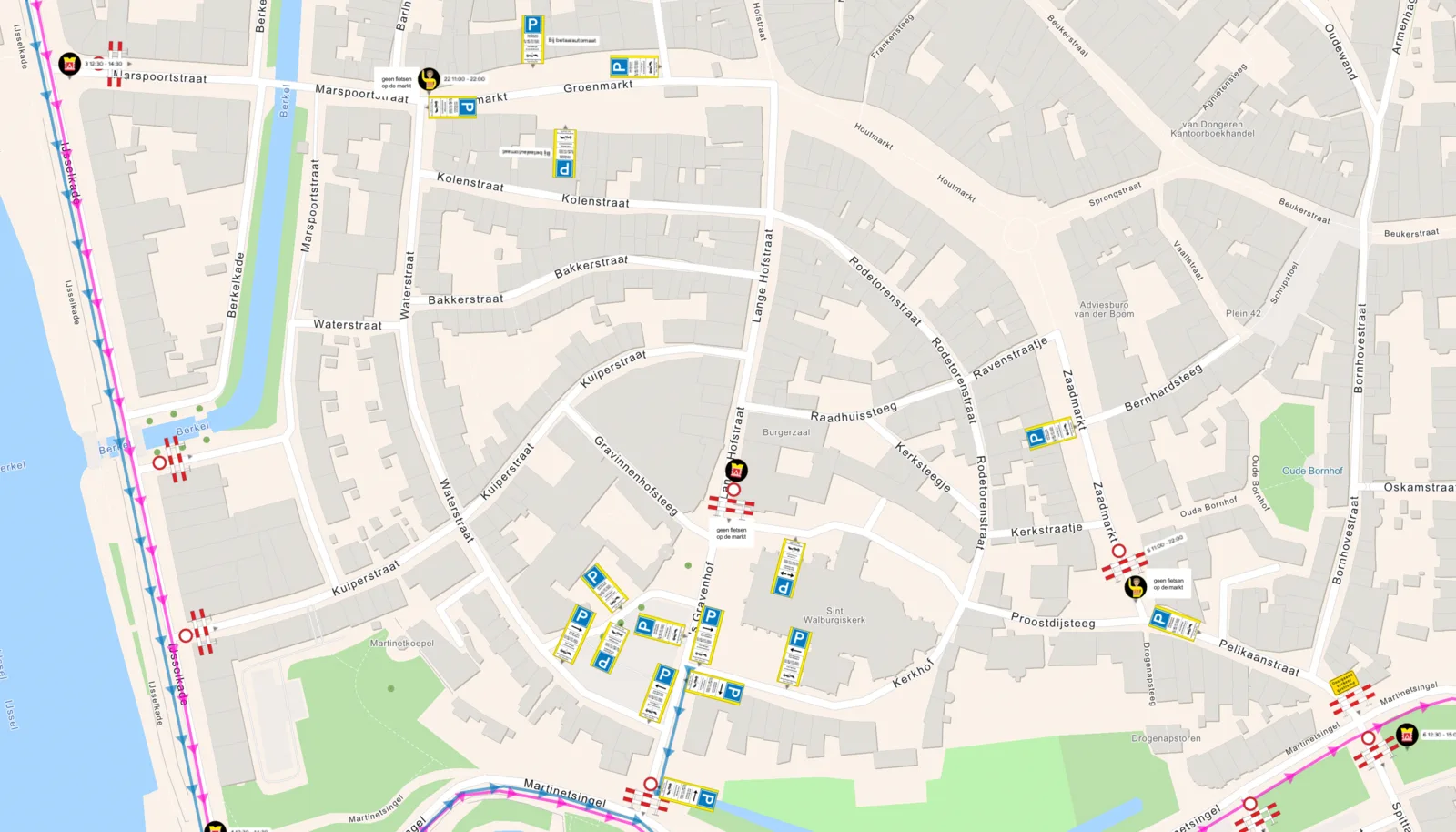
Same event. Left side is the traffic plan, right side is the event-site layout.

Traffic plan reviews from happy users

10,000+ professionals submit permit-ready traffic plans through Traffic Chart. Here is what a few of them say about the plan module.

5.00/ 5 (4 reviews)
5.0

“We open the traffic plan on a tablet next to the crew and tick off signs as they're placed. No more separate packing lists.”

Oliver Hughes, Foreman, traffic-management firm

READY TO TRY?

Start your first traffic plan, free!

Save up to 90% in time and cost. Start a free trial today and get direct access to the full feature set. We are happy to guide you through.

Start for free →

Frequently asked questions about traffic plans

Everything event organisers, road-works crews and council reviewers ask before they trust the tool with their first traffic plan.

What is a traffic plan?
A traffic plan is the mandatory permit document submitted to the council before any closure on the public road: a road-works closure, a festival access route, a parade, a delivery for a major build. It shows the lane closure, the detour, the regulation-correct signage along the diverted route, the placement of barriers and traffic controllers, and the emergency-vehicle access lane. Most councils make the permit conditional on the plan being approved.
How is a traffic plan different from a traffic drawing or traffic control plan?
The traffic drawing is the canvas, the visual artefact you sketch. The traffic-control plan is the broader operational document. The traffic plan is the regulator-facing PDF you actually submit with the permit. In Traffic Chart you produce all three from the same canvas: draw it once, export it as the plan, manage it as a traffic-control workflow.
Do the road signs in the plan match my country's regulations?
Yes. The library carries the official catalogues per country: RVV in the Netherlands, StVO + RSA in Germany, TSRGD + Chapter 8 in the UK, DGT Norma 8.3-IC in Spain, IISR (8e partie) in France, the Portuguese Manual de Sinalização Temporária. Switch the country and the catalogue switches too.
How long does it take to produce a traffic plan?
Roughly 20 minutes for a single-lane residential closure, 1 to 2 hours for a multi-zone festival access plan, 2 to 4 hours for a multi-km motorway diversion with full RSA / Chapter 8 sign-by-sign listing. The first plan takes longer while you get familiar with the library; from the second plan onwards you duplicate the previous one and adjust.
Does the export include a sign list for the crew?
Yes. Every plan generates an automatic list, sign type, quantity, location, mounting height, which the crew uses as a packing list. Saves the half-day someone usually spends counting icons by hand.
Can I collaborate with my team on the same traffic plan?
Yes. Plans live in the cloud and can be shared with view-only or edit access. The safety officer, the traffic regulator and the works manager all work on the same source file, which removes the round-trip emailing of PDFs.
Can I reuse a previous traffic plan as a template?
Yes. Duplicate any past plan and the new draft inherits the closure geometry, the sign list, the detour route and the barriers. A yearly returning event or a periodic maintenance closure becomes a 10-minute job instead of a half-day rebuild.
Is the first traffic plan free?
Yes. Your first traffic plan is 100% free and basic event maps are free forever. No credit card needed to start, and the free tier just keeps working.
Does the plan include emergency-vehicle access?
Yes. Draw a dedicated emergency-access lane with width and turn-radius indicators, and the route is automatically validated against your detour to flag conflicts. The fire-brigade reviewer can read the plan without translation.
What happens after I submit the plan to the council?
The council reviews the PDF on their side, often signs it off without changes, and the permit is issued. If they request edits you adjust the live plan in Traffic Chart, re-export, and resubmit. Most councils approve revisions within a few days.