🎉 Your first traffic plan is free, basic event maps are free forever! 🎉
Traffic ChartTraffic Chart

EVENT SIGNAGE SOFTWARE

Plan your event signage, drawn in minutes

Draw the wayfinding pole, place every directional sign, list the road signs you need on the day. Whether you organise events, run an infrastructure crew, or work for a local council, every sign goes into the same drawing as your traffic plan, saving up to 90% in time and cost.

Start drawing your event signage, free

By starting you agree to our terms and privacy policy.

Protected by reCAPTCHA. Google Privacy and Terms.

Trusted across Europe for event signage:

Client logomih fiber logo RGBpinkpopprofessional lawn & landscape management logo  2solutions30logotransparent
4.9
Google Reviews
4.5
Capterra Reviews

Trusted by 5,000+ event organisers, infra professionals and municipalities planning signage every weekend.

“I've been using Traffic Chart for a while now and loved it from day one. It makes my job in event production a lot easier.”
Emma Brooks, Event Production

01 THE SOLUTION

The solution for event signage planning

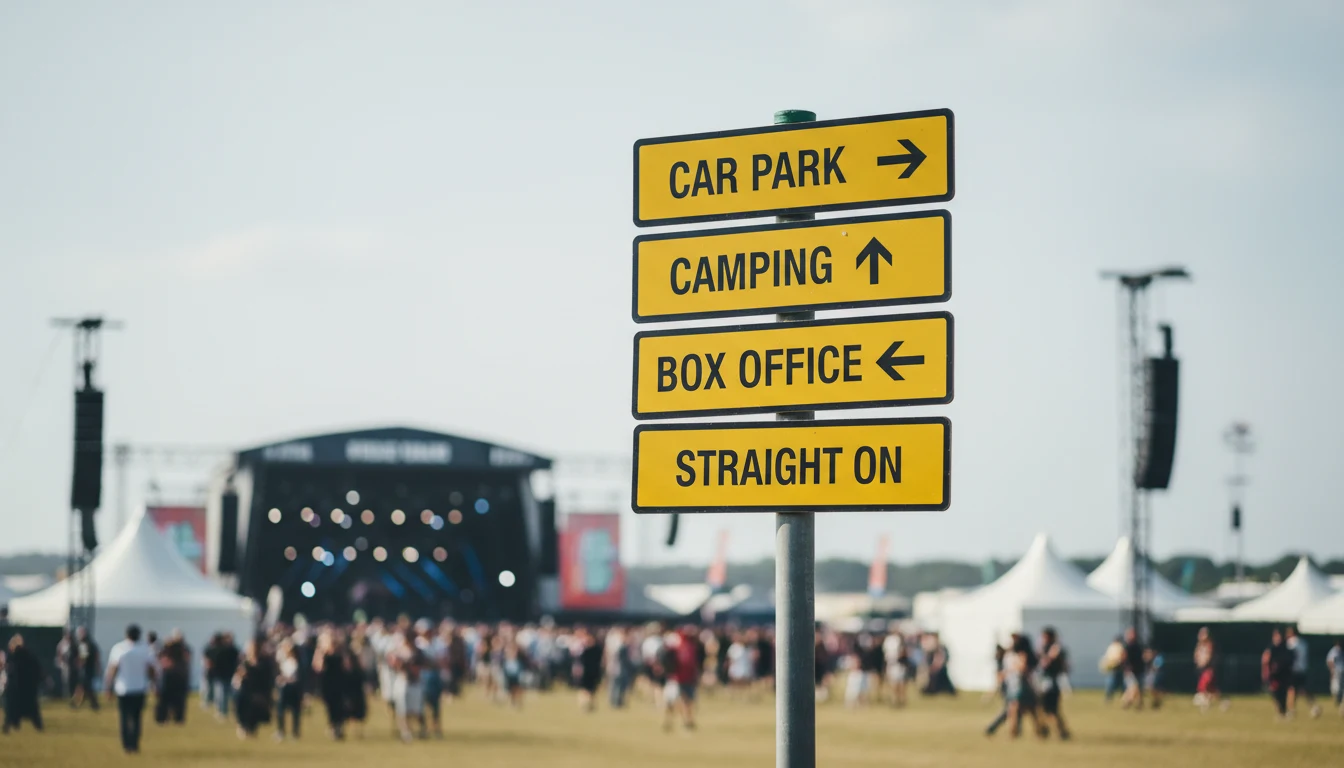
Event signage is the visitor's first line of orientation. Wayfinding poles guide cars to the parking field, footfall to the box office, food trucks to the right vendor stretch. Get it wrong and visitors miss your event; get it right and the day runs itself.

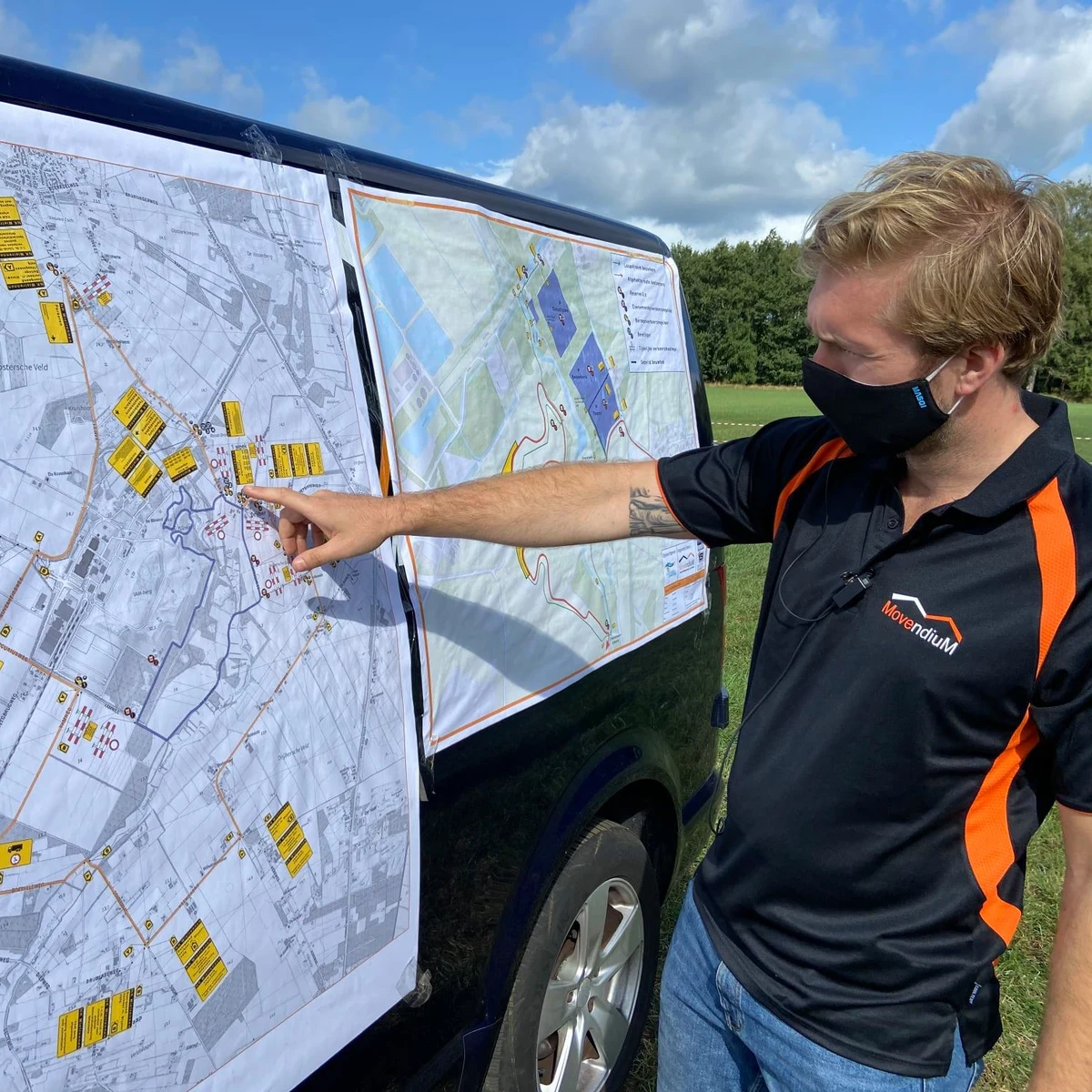
With Traffic Chart you draw every sign onto a scaled site map. Directional arrows, parking icons, pedestrian crossings, mandatory traffic signs along the access roads, all from one library. Export to PDF for the council, hand the same drawing to the crew that physically places the signs on the day.

UK festival wayfinding pole carrying yellow directional signs (Car Park, Camping, Box Office), with festival arena visible in the background

Watch our 45 second event signage demo

See an event map and a traffic plan come together in under a minute. Clip from 2025; 10,000+ users today.

Drag-and-drop event signage editor with 600+ signage elements and live preview

02 USER-FRIENDLY

User-friendly event signage software

The signage module is built to be intuitive and powerful at the same time. Whether you manage a 50,000-visitor festival or you are organising a local community event for the first time, the platform is quick to learn and fast to use in production.

With over 600 built-in signage elements you place directional arrows, parking and camping markers, pedestrian-crossing icons, country-specific road signs and mandatory regulatory plates in minutes. No CAD background needed. Drag-and-drop, snap-to-grid, real-time preview, instant PDF export.

From small pop-up events to city-wide festivals, Traffic Chart gives you full control over the signage and wayfinding side of the event, on a single platform.


Who plans event signage in Traffic Chart?

Event organisers, infrastructure contractors and municipalities all place their signage in the same workspace.

For event organisers

For event organisers

Drawing your venue layout? Filing a road-closure plan for the access road? Build both in the same workspace, with drag-and-drop infrastructure for the event map, smart zones with automatic area, walking and emergency routes, and the full road-sign library when you need it.

Read more
For contractors and infra professionals

For contractors and infra professionals

Closing one or two roads (partially) for works? Mandatory traffic plans in minutes. Simple enough for an intern, accurate enough for the council. Running multiple projects a month? The time saved pays back on your first plan.

Read more
For municipalities

For municipalities

Give residents and small-event organisers a friendly tool to draft event maps and traffic plans. Centralise permit intake, cut the email back-and-forth, and review up to 90% faster from a single dashboard.

Read more

Features

  • Drag-and-drop directional signs and event infrastructure
  • Pedestrian, parking and emergency-access icons
  • Sign placement and replacement with the full sign library
  • Smart zones with automatic area and distance calculations
  • Toolbox of all common road signs and event-signage elements
  • Permit-ready PDF export and live shareable links

Benefits

  • Efficient, fully digital workflow
  • 90% faster and cheaper than CAD-based alternatives
  • Flexible: works for 50-person events and 50,000-person festivals
  • User-friendly enough for an intern, accurate enough for the council
  • Consistent output across every event you organise
  • Free access to in-depth guides and a full help center
Traffic Chart replaces Word, PDF, Paint, Photoshop, CorelDraw and CAD, all in one tool for event signageREPLACESWWORDPDFPDFPPAINTPsPHOTOSHOPCdCORELDRAWCADCADAll-in-one with Traffic Chart
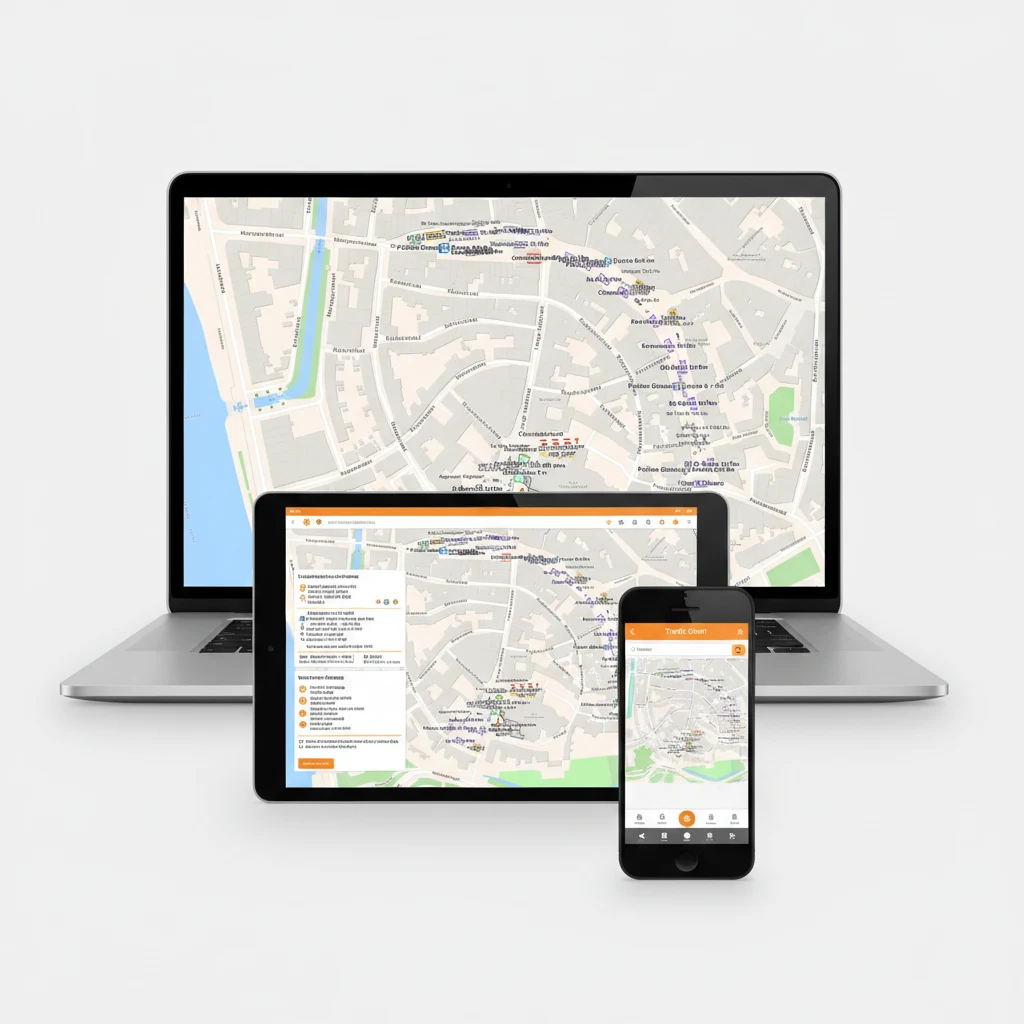
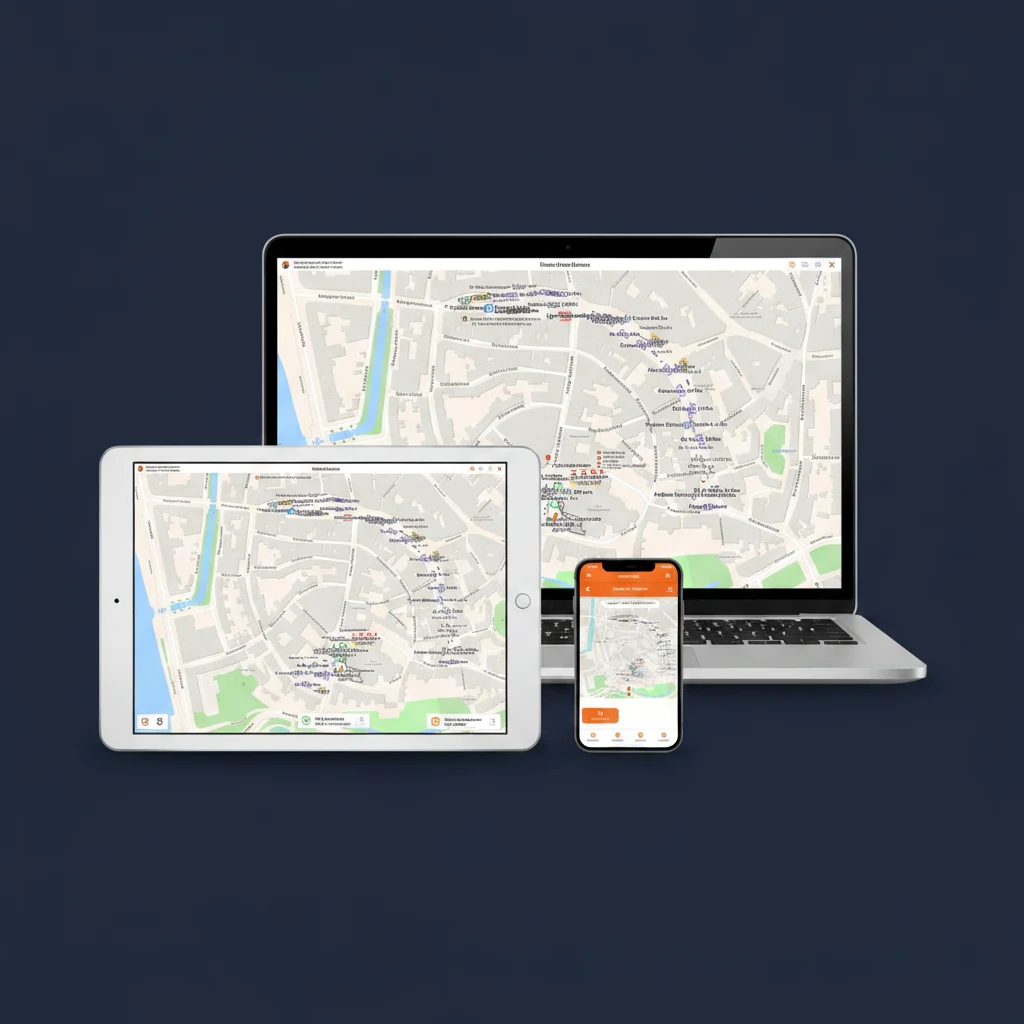
Traffic Chart event signage software running on a laptop, tablet and smartphone, with the Bokbierdag event-site map visible on every screen

03 VERSATILE

Versatile event signage software for all

Traffic Chart's event signage software is not only for event planners. It is equally at home with contractors handling temporary signage for a road closure, infrastructure teams scheduling permanent route signage, and local authorities reviewing the plans residents submit.

With one easy-to-use interface, anyone on the team draws a comprehensive signage plan in minutes. The same drawing is the safety document, the council submission, the crew's on-site reference, and the post-event report.

Drag to compare

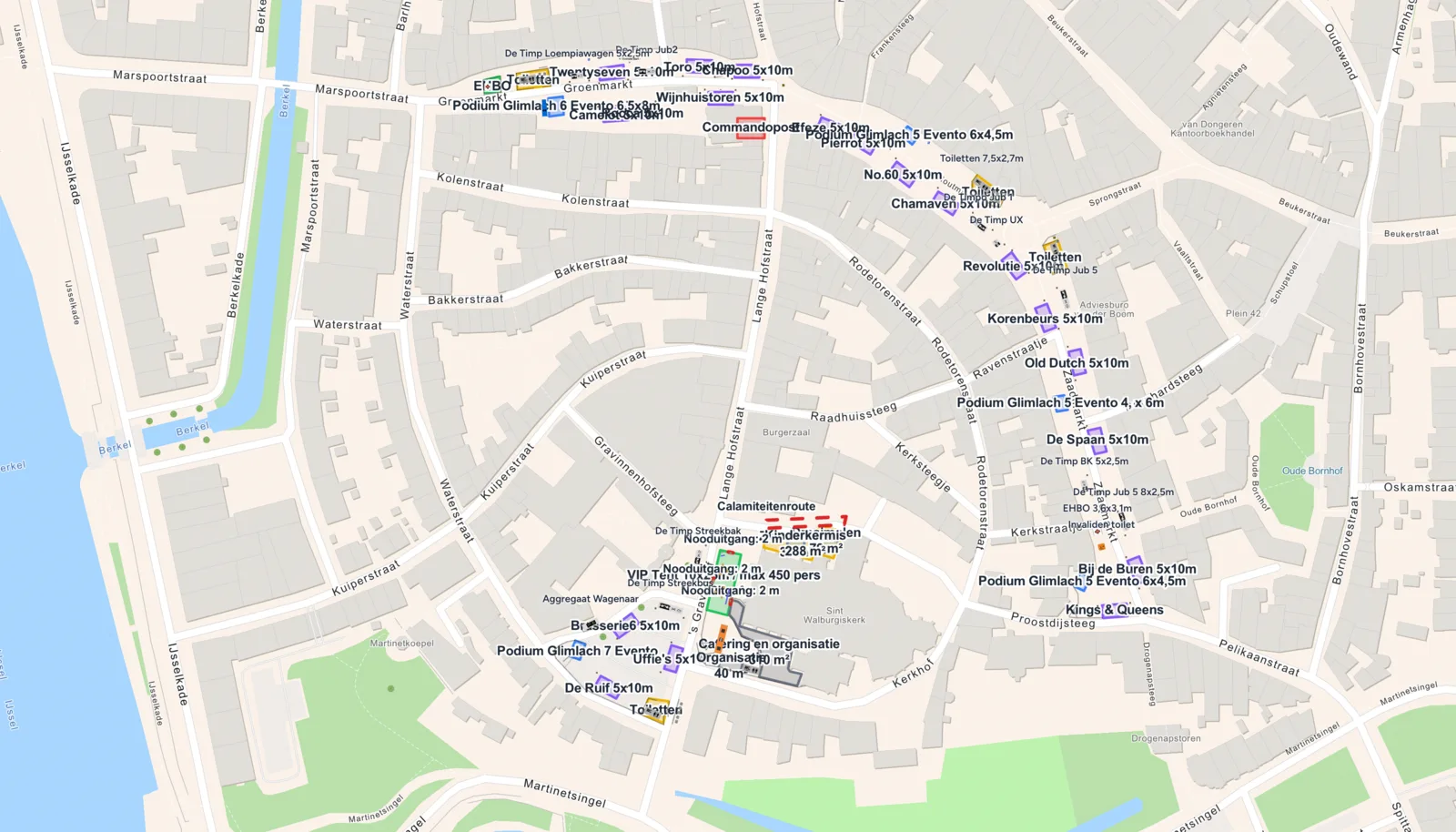
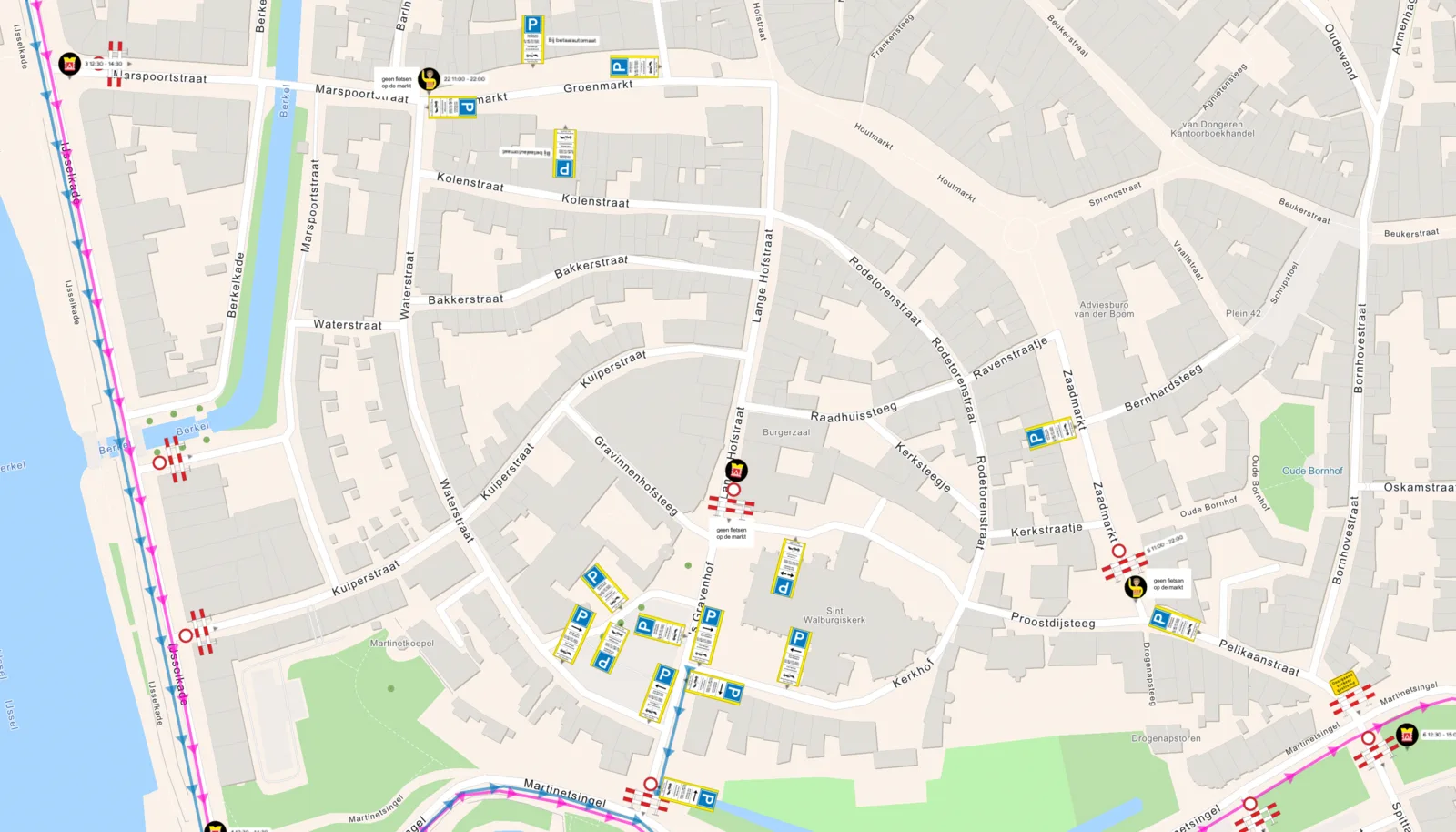
Same event. Left side is the traffic plan, right side is the event signage layout.

Event signage reviews from happy users

10,000+ professionals run Traffic Chart in production. Here is what a few of them say about the event signage module.

4.75/ 5 (6 reviews)
5.0

“For multi-day events I build an event signage plan in minutes rather than hours. Duplicate-and-adjust works perfectly for the annual editions.”

Sarah Williams, Highways officer, district council

READY TO TRY?

Start your first event signage plan, free!

Save up to 90% in time and cost. Start a free trial today and get direct access to the full feature set. We are happy to guide you through.

Start for free →

Frequently asked questions about event signage

Everything event organisers and crew ask before they trust the tool with their first signage plan.

What counts as event signage?
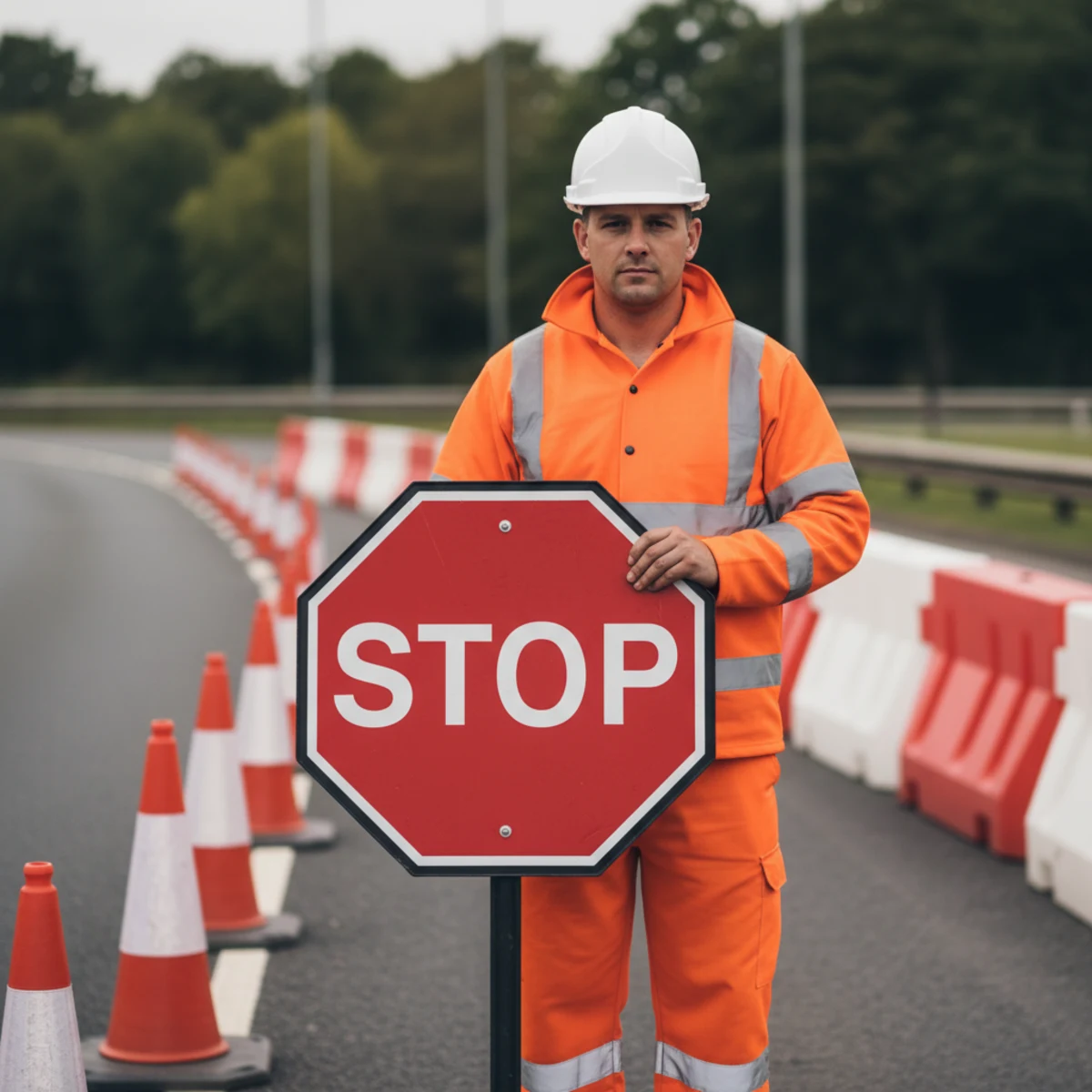
Every directional sign, wayfinding pole, parking icon, pedestrian crossing, emergency-access marker and regulatory road sign your event needs, both on the access roads and inside the site. Traffic Chart's signage library covers all of these, official local road signs (RVV / StVO / TSRGD / DGT / IISR / PT regs) and the event-specific extras (food-truck markers, stage zones, crowd-flow arrows).
How is event signage different from an event roadmap?
The event roadmap is the high-level mandatory plan submitted with the permit application. It shows the overall traffic flow, detours, and venue layout. Event signage is the detailed sign-by-sign plan that translates the roadmap into actual signs on poles. Same drawing in Traffic Chart, two outputs.
Do the signs match my country's regulations?
Yes. The signage library carries the official catalogues per country (RVV in the Netherlands, StVO in Germany, TSRGD in the UK, DGT Norma 8.3-IC in Spain, IISR series in France, the Portuguese Manual de Sinalização Temporária). When you switch country the available signs adjust accordingly.
How long does it take to plan signage for an average festival?
Roughly 30 to 60 minutes for a small one-stage event, 2 to 3 hours for a multi-zone festival. The first time takes longer while you learn the library; from the second event onwards you duplicate the previous year's plan and adjust.
Does the export include a sign count for the crew?
Yes. Every plan generates an automatic sign list (type, quantity, location, mounting height) which the crew uses as a packing list for the day. Saves the half-day someone usually spends counting icons by hand.
Can I share the plan with the safety officer and the council?
Yes. Plans live in the cloud and share via a view-only link or a council-ready PDF. The safety officer, the traffic regulator and the event manager all work on the same source file, which removes the round-trip emailing of PDFs.
Is the first signage plan free?
Yes. Your first traffic plan is 100% free and basic event maps (including signage layout) are free forever. No credit card needed to start.
What about temporary signage on the access roads?
Covered. Place mandatory regulatory signs (speed limits, detours, no entry, pedestrian crossings) on the public road sections leading to the event, then the venue-side directional signage inside the perimeter. Both in one drawing.
How is signage tied to the traffic plan?
Same scaled drawing. The traffic plan layer holds the road-closure and detour information; the signage layer holds the physical signs that enforce that plan. Drawing both together prevents the classic mistake of approving a detour the signage list doesn't support.
Does it work on a tablet on the day?
Yes. Open the plan on a tablet or phone next to the crew that's installing the signs. Tick off each sign as it goes up. Cloud-synced, no offline-export needed.